

Technical note
Activating a machine that never sees the internet
Plant networks are often isolated. Activation is a two-file exchange: a request generated on the machine, and a licence file sent back.
Updated 2026-10-30 · Applies to 14.0.0.26002 · 3 min read
Generate the request
On the offline machine, choose Save offline request from the menu. The app writes a .cmreq file that contains the machine fingerprint the licence will be bound to - no serial traffic, no session data.
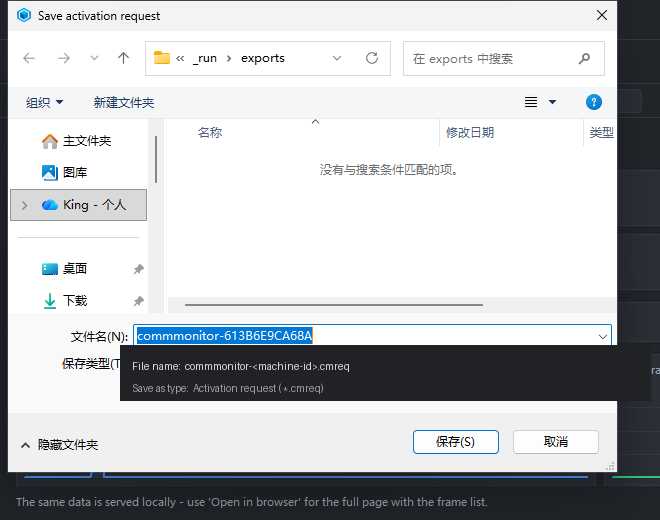
Send it, receive a licence
Send the .cmreq file by whatever route the site allows - email, USB stick, a ticket. The reply is a licence file bound to that fingerprint. Copy it back to the offline machine and use Import licence.
If the fingerprint does not match
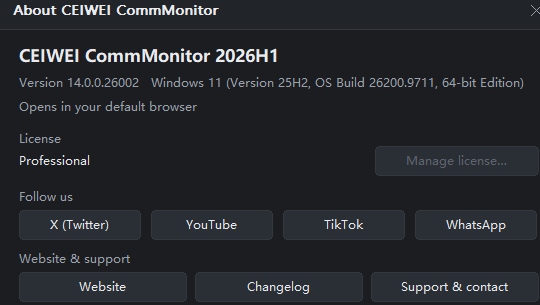
A licence issued for one machine will not activate another. The state becomes degraded rather than silently working, which is the point: the check is on the machine, not on the network.
What this means in practice
- The request file carries the machine fingerprint, not the capture.
- The licence file is bound to that fingerprint; copying it to another machine fails visibly.
- Keep both files with the machine record - re-issuing needs the original request.